SEA OF CUBES
A sea that remembers you
Nobody drew this sea.
The islands, the harbors, the caves and whoever lives in them all come out of one seed. Two sailors with the same seed step onto the same beach.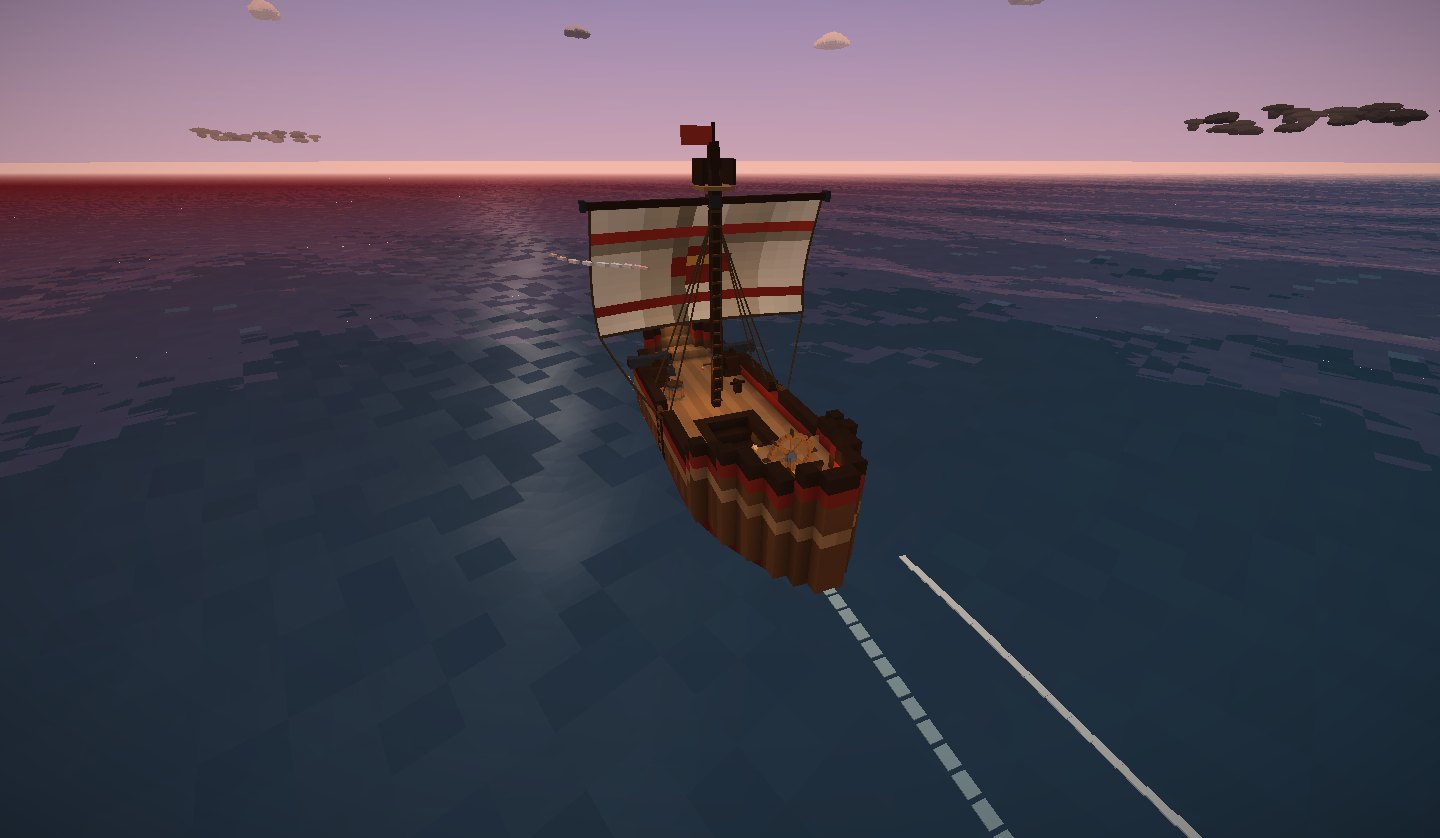
The north
freezes.
The south bakes.
The west hardens.
—
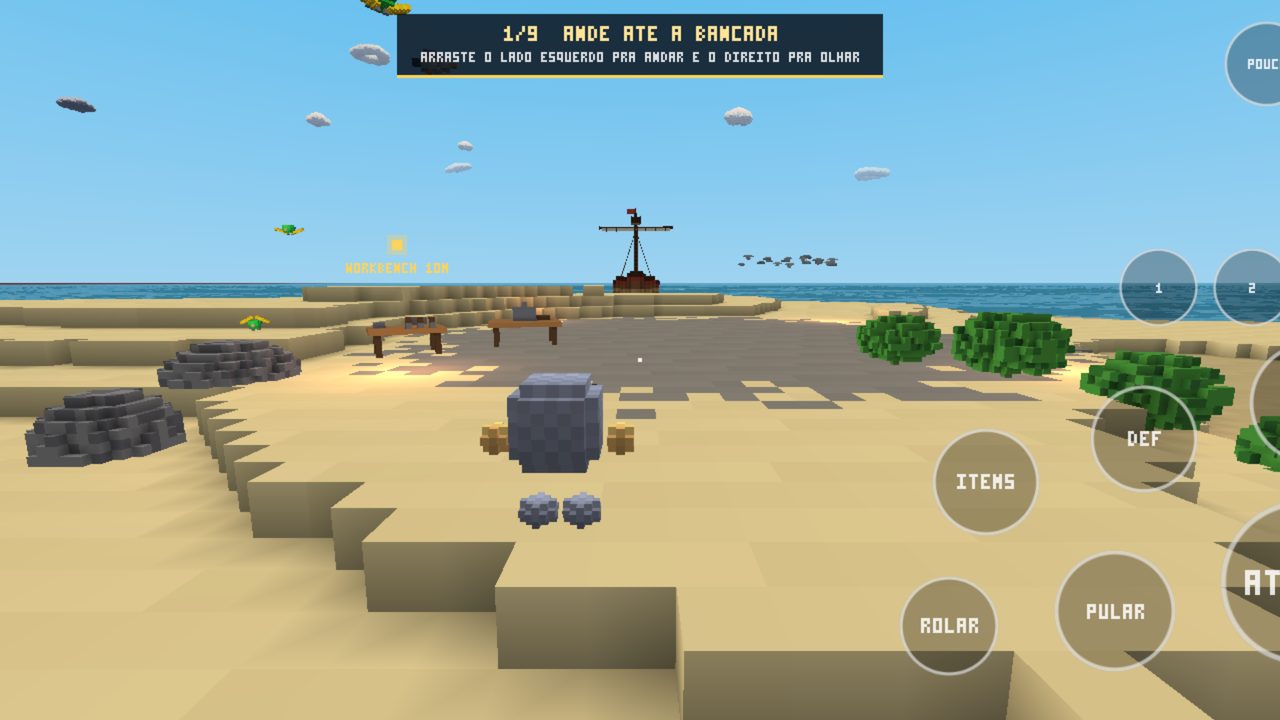
The whole sea fits in your pocket.
Joystick, action buttons and an item wheel you hold and drag. Your swing turns to the nearest enemy and your shot leans toward the target near the crosshair. A short training islet teaches the rest — or skip it.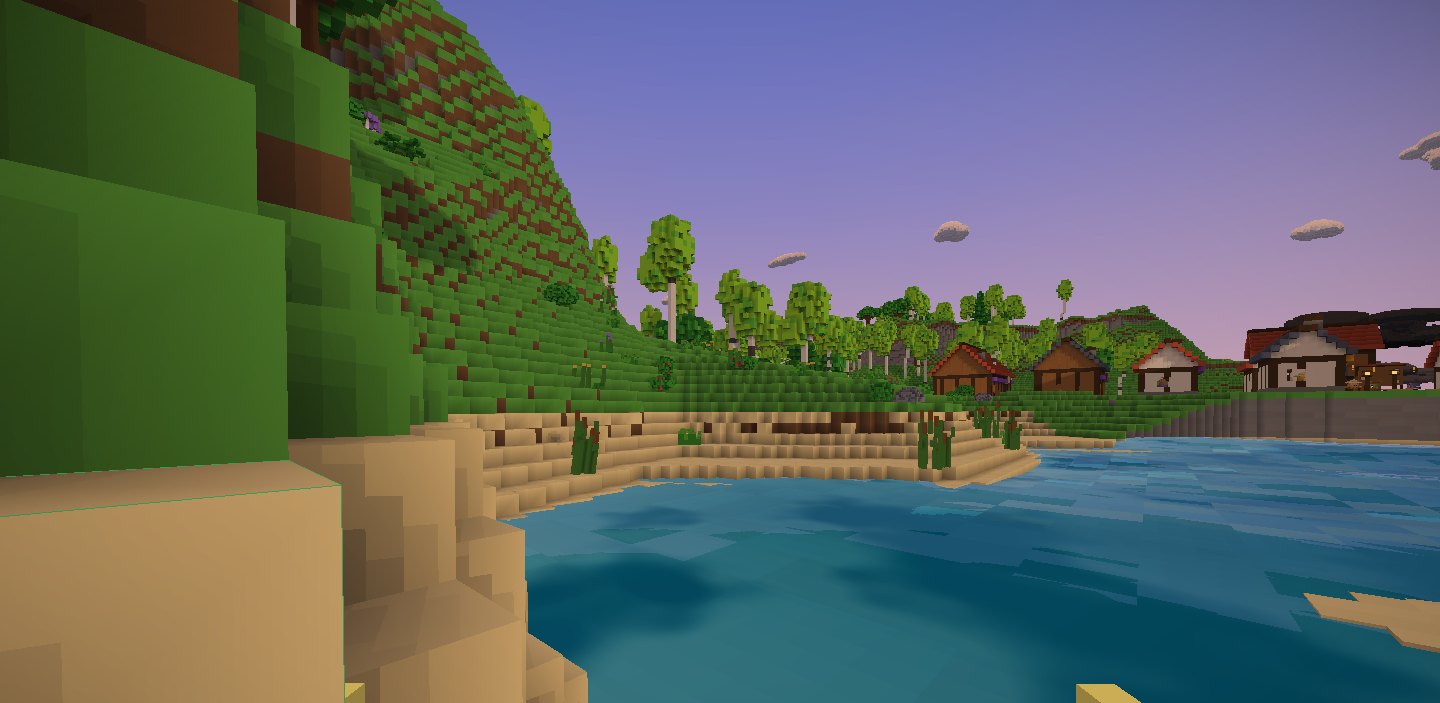
You make it back to port or you don't.
The sea keeps what you did to it: the tree that fell, the vein that ran dry, the boss that is not there anymore.Get in the sea
cube.brunji.com.br
In the menu: JOIN A SEA · UDP 7778 · alone it runs with no server at all
Co-op, up to 8 sailors: host your own server for free — on your PC or on a machine near the crew — or play on the official one with the Co-op Pass. How to host →
macOS says it cannot verify the app
It did not go through Apple's notarization — that takes a paid developer account, and the game does not have one yet. The app is the same, and the warning is about the signature, not the contents.
From macOS 15 on, right-click → Open does not work anymore. There are two ways around it:
Through the system: try to open it once, go to Settings → Privacy & Security, scroll down to the warning and click Open Anyway.
Through the terminal, one single command — it strips the quarantine flag the browser puts on everything you download:
xattr -dr com.apple.quarantine "/Applications/Sea of Cubes.app"(change the path if you left the app in another folder)